
Pocket Post:
Lost Mail
Sort and dispatch magical lost letters in 60-second rounds. Bring order, kindness, and discovery to a whimsical world.
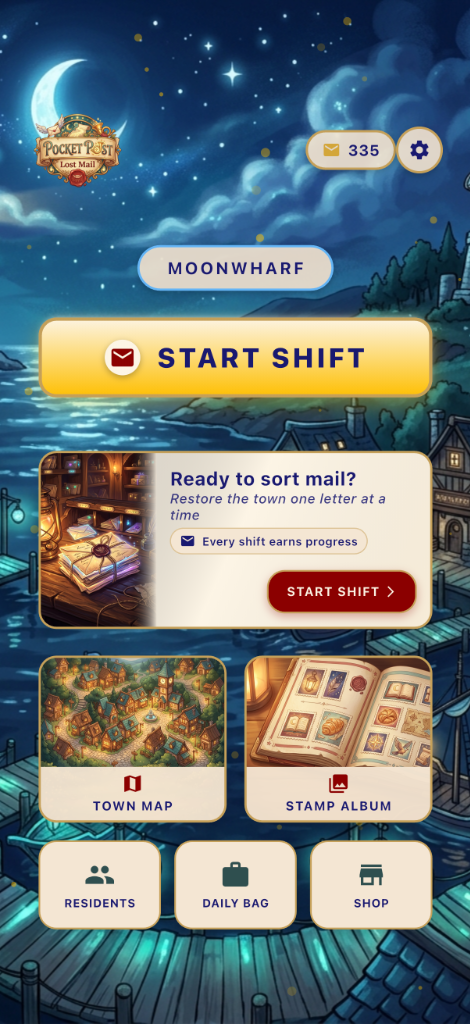
A Magical Mailroom Experience
Quick & Cozy Rounds
Enjoy short 60-second shifts perfect for one-handed play. Fast-paced sorting with kind pressure and forgiving mechanics.
Read the Clues
Identify where enchanted mail belongs by reading its visual clues: seal color, stamp icon, and trim patterns.
Special Parcels
Encounter invisible ink, cursed letters, torn envelopes, and whispering mail that offer small tactical twists.
Uncover Stories
Restore missing connections in the town. Complete beautiful stamp collections and build bonds with the quirky residents.
How to Join the Beta
We use Apple's TestFlight app to distribute early versions of the game. Here is how you can play!
Get TestFlight
Download the free TestFlight app from the iOS App Store on your iPhone or iPad.
Install
TestFlight will open and prompt you to Accept and Install Pocket Post: Lost Mail.
Play & Feedback
Launch the game from your home screen. You can send feedback directly through the TestFlight app!